
Grid Update: Clear Selected Images and a Layout Scrollbar Fix
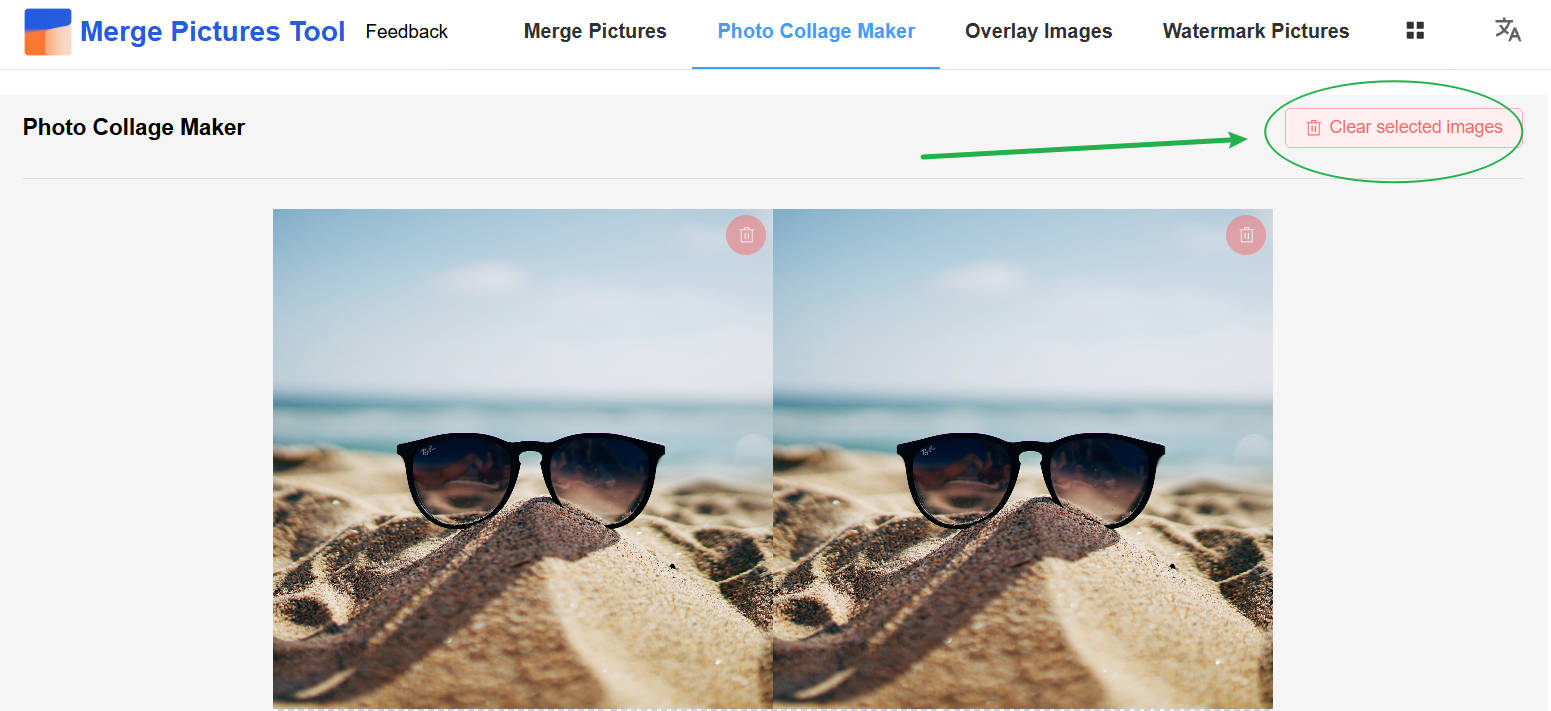
This update started with feedback from a user who wanted to clear all selected images at once when starting a new collage. We have added a Clear selected images button to Grid and fixed an unwanted horizontal scrollbar in the layout selector.
Clear images and start your next collage
Click Clear selected images beside the collage heading to remove all images from the current grid, then choose a new set to continue.
Your layout, output dimensions, spacing, outer border, rounded corners, and background color stay in place, so you can make another collage with the same settings. Clearing images also releases their preview resources.
The button is disabled when no images are selected or while images are being merged.
Layout selector scrollbar fix
We fixed an unwanted horizontal scrollbar in the Grid layout selector by adjusting the image-count navigation widths and limiting horizontal overflow in the layout list. You can still scroll vertically to browse and select layouts.
Thank you for the suggestion
Special thanks to the user who suggested clearing all selected images at once. Your feedback helped us identify repetitive work in the collage workflow and improve the experience.
If you encounter a problem or have a feature suggestion, please let us know through Feedback in the site navigation.